Inspect the print first, capture the complete photograph, keep an untouched master scan, and make a separate working copy for cropping or sharing.
By MemorialPics Content Team. Published 2026-09-17. Modified 2026-09-17.
| Photo condition | What to do |
|---|---|
| Flat and in good condition | Use a clean flatbed scanner that fits the whole print. |
| Curled, cracked, flaking, stuck, or mounted | Do not force it flat. Stop if moving it could cause damage. Ask a careful photo-scanning service for help. |
| No scanner | Ask a local photo, copy, or scanning service to make the files. |

Follow the markings and instructions on your scanner. A standard flatbed scanner usually places the picture side against the glass.
Copy the whole print before you crop it. Keep the face, hair, shoulders, background, and all four edges in the first file.
PPI describes how much detail is saved in the digital picture. It means pixels per inch. Scanner menus often show DPI, or dots per inch, for a similar setting.
There is no one best number for every photo. The right choice depends on the print size, the crop, the final use, and the scanner. More detail also makes a larger file.
Keep the full, unchanged scan as your master file. Make a second copy for cropping, light adjustments, or sharing.
TIFF can be useful for a master file when it is available. JPEG is convenient for a working copy. A scan cannot add detail that is missing from the print.


A local photo, copy, or scanning service can help. Ask how it will protect and return the original.
Upload the full-size saved file when you order. You can customize and crop the picture during ordering. Review the proof carefully before production.
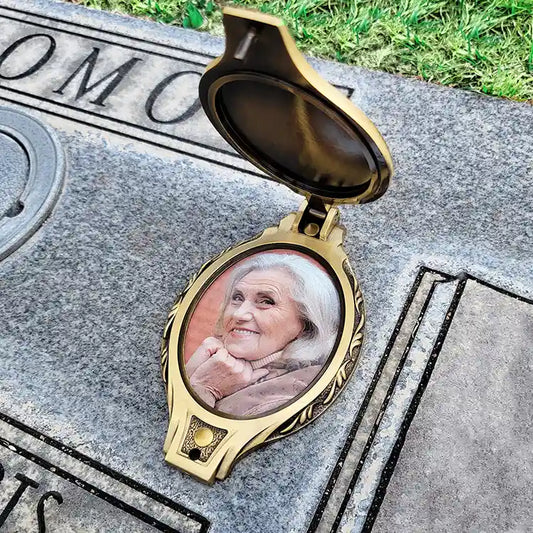
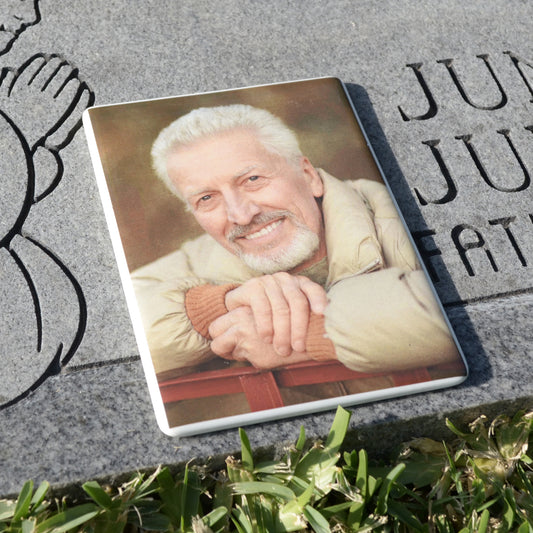
Choose an oval headstone picture or a rectangle headstone picture. You can also read these tips for choosing a photo for a memorial plaque.
This guide was reviewed by MemorialPics Content Team on 2026-09-17 using the following sources:
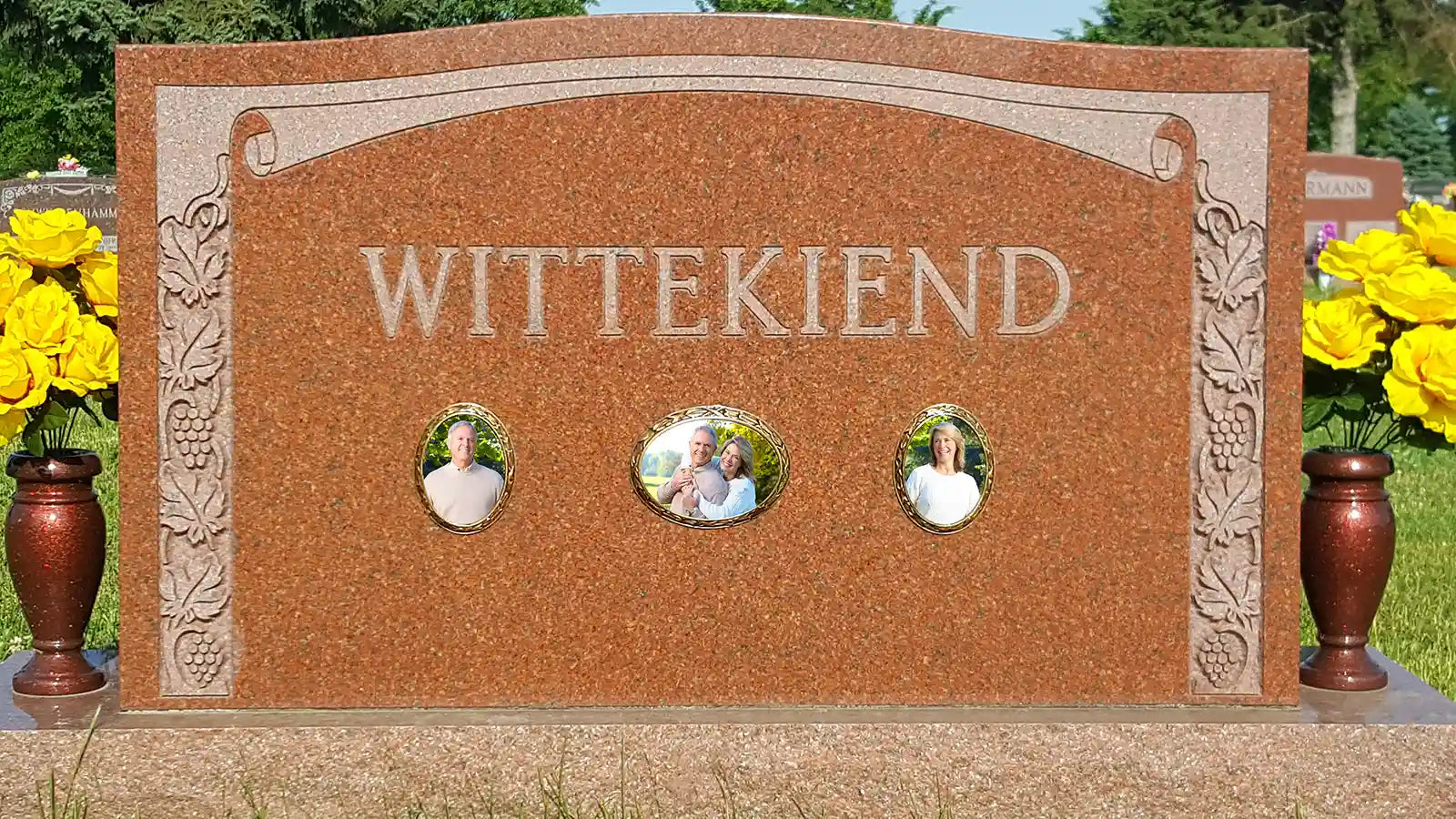
We know you will be very happy when you add an oval picture frame to your loved one’s headstone. The photo that you provide us with will be edited to your satisfaction, printed on special paper with ceramic toners, and baked into fine porcelain in a high temperature kiln. Additionally, we have ornate bronze-plated frames available for various shapes and sizes. When you purchase an oval memorial plaque for your loved one's headstone or mausoleum with us, you get the following:
- A lifetime guarantee against fading
- The same high-quality photo you would get through any monument maker, cemetery, or funeral home
- Free industrial VHB tape to easily mount the photo or the frame in minutes
- Free shipping in the U.S. ($25 shipping to Canada except for largest size)
Please do not hesitate to call us with any questions at 1-866-343-6715. We are glad to assist you in any way possible so that you can soon have an oval picture frame for your loved one’s headstone that will stand the test of time.